How it works
Plan work, capture findings, and deliver branded reports. Built for real inspection teams.
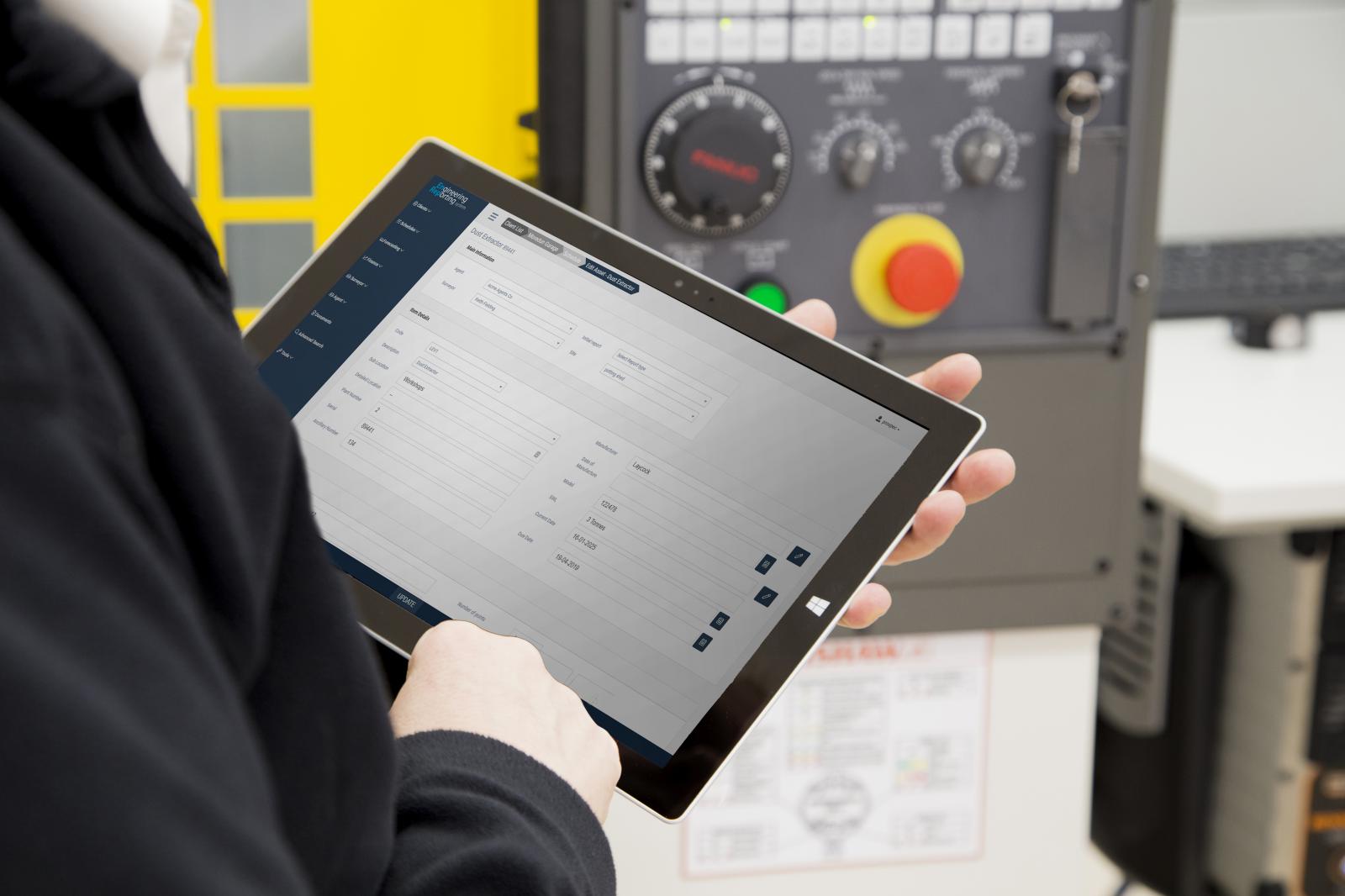
From schedule to signed report
Scheduling & assignment
Create jobs and assign to surveyors. Track what’s due and in progress.
On‑site capture
Structured forms per live equipment class keep data consistent.
Report builder
Reload past reports to start fast. Add or remove parts as needed.
Images & evidence
Attach images to observations where helpful for context and issue tracking.
Internal messaging
Direct admin–surveyor communication to aid in workflow and sole worker safety.
Efficient delivery
Reports ready for delivery immediately on site or after validation.
Customisation, automation, and data control
Customised core reports
We tailor all core reports to your standards and terminology.
Bespoke report builds
We can create new report types not in the core set. Cost depends on complexity.
Traffic light system
Consistent, intuitive colour coding for instant understanding of results.
HSE Notification
Detects immediate defects and prepares the report for direct delivery to the specified HSE location
Full data export
You own your data. Export everything to CSV at any time from the UI.
Data migration service
We can migrate from your current system (SQL or CSV provided). Priced per scope.

Physical assets. Live records.
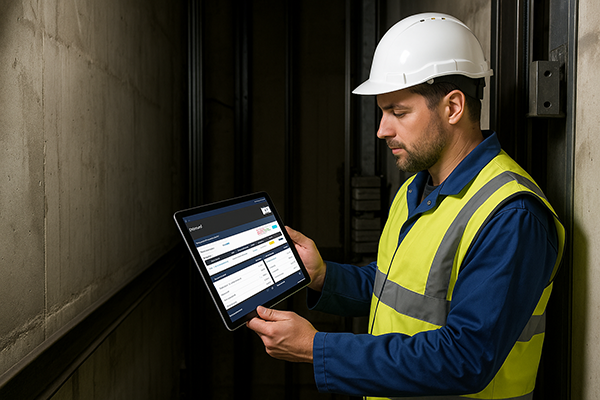
EnTag NFC asset access
EnTag gives equipment a simple scan-to-open identity, helping surveyors, administrators, and authorised users reach the right asset information quickly from site.
What you get
- Multi‑discipline support
- Surveyor‑centric workflow and controls
- Consistent templates and validations
- Fast turnaround for branded reports
- EnTag NFC asset access for scan-to-open equipment records
- Notifications to keep work moving
- Data isolation and regular backups
- ... And much, much more